Print-shop training
Training covers the real work around a wide-format printer: loading media, keeping colour steady, routine cleaning and reading faults before they waste stock. Sessions can be run at our Centurion studio or on site at your print shop, photo lab or production room.
Training built around your machines and workload
This service is for teams running eco-solvent, aqueous or UV printers and needing practical operator training rather than a quick handover. We work through the machine you use, the media you keep on hand and the kind of output you sell, whether that is vinyl graphics, posters, photo prints, labels, backlit work or short-run display panels.
Sessions are usually split between operator routine, maintenance routine and colour routine so staff can see how one affects the next. A printer can be mechanically sound and still waste metres of media if loading, heater settings, curing or profiling are handled badly. We keep the training focused on daily production and practical shop-floor use.
- Operator handling for start-up, shut-down and safe daily checks
- Media loading, alignment and tension setup
- Printhead care and cleaning routines
- Ink system checks and basic fault spotting
- RIP setup, queue control and job nesting
- Colour profiling basics for common stock
- Production habits that reduce banding, strikes and reprints
What is included on the day
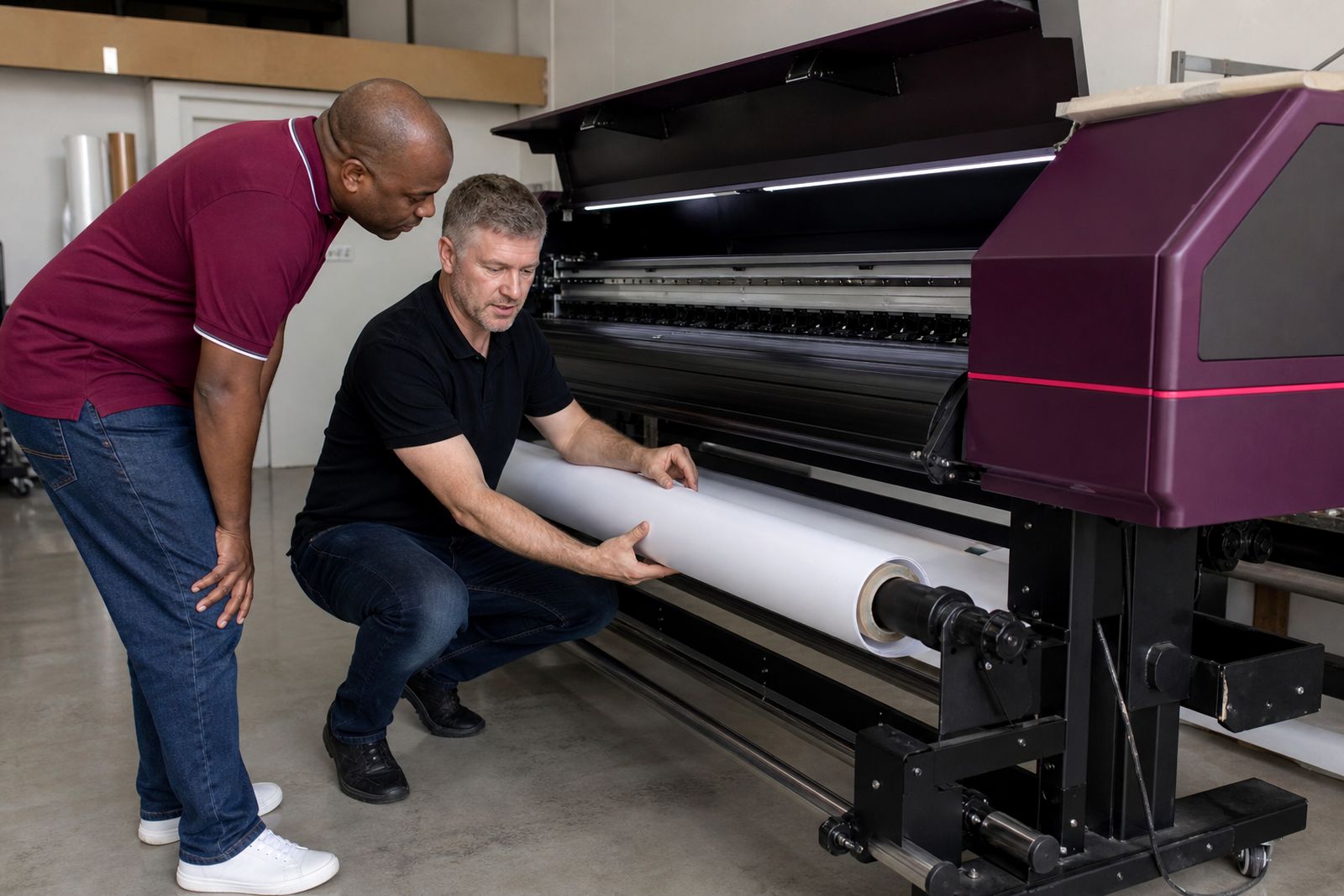
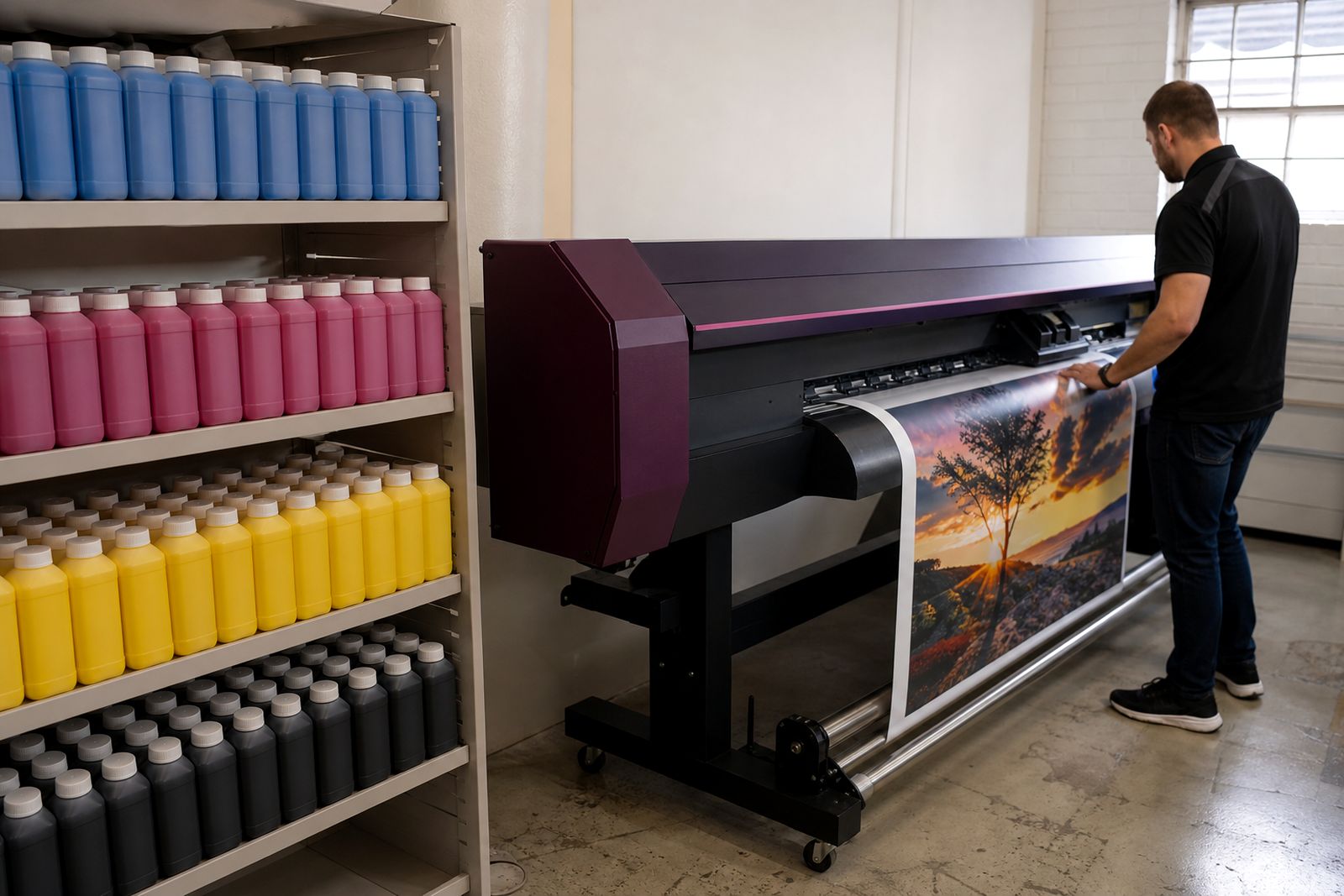
Each session starts with the machine in front of us and the actual jobs your team runs. Training is based on the printer, media and output your shop handles every day. If your shop prints mostly self-adhesive vinyl, canvas or coated paper, the examples stay on those materials. If your team changes shifts, we can group the training around operators, finishers and the person handling artwork output from the RIP.
Operator training covers controls, loading, vacuum and feed settings where fitted, nozzle checks, test prints, print mode choices and the signs that show a printhead or capping station needs attention. Maintenance training covers the parts staff touch regularly and the cleaning method expected for that ink set. Colour training covers media presets, linearisation, profile use, density choices and the gap between what a monitor shows and what the printer can honestly produce.
- Hands-on use of your printer and RIP software
- Daily, weekly and monthly care points
- Safe cleaning around the carriage and service area
- Spotting environmental issues such as dust, heat and coastal humidity
- File output checks before media is wasted
- Notes for shift handover and operator consistency
How the session runs step by step
Before the booking, we ask what printer model, ink set, RIP and media range are in use, plus the level of the operators attending. That lets us shape the session properly. On site training normally starts with a condition check so we are not teaching on a machine that already has blocked nozzles, a worn wiping assembly or poor feed calibration.
From there we move through a set order. First, a walk-through of controls and routine checks. Second, media loading and test output. Third, maintenance points the operator is expected to carry out. Fourth, RIP settings and colour handling for the stock used most often. Last, each operator runs a short practical sequence so weak spots show up while the trainer is there, not later in production.
If training is done at our studio, we keep the same pattern but work on the sample machine configuration arranged for the session. That suits new owners, extra staff members and studios preparing for a printer installation.
What your team should prepare
A good session runs better when the right people, files and consumables are ready. If we are coming to your premises, the printer should be reachable, powered and available for training time rather than squeezed between rush jobs. The area around the machine should be clear enough for media loading and service access.
- At least one operator and the person responsible for routine maintenance
- Typical production files in the formats you actually print
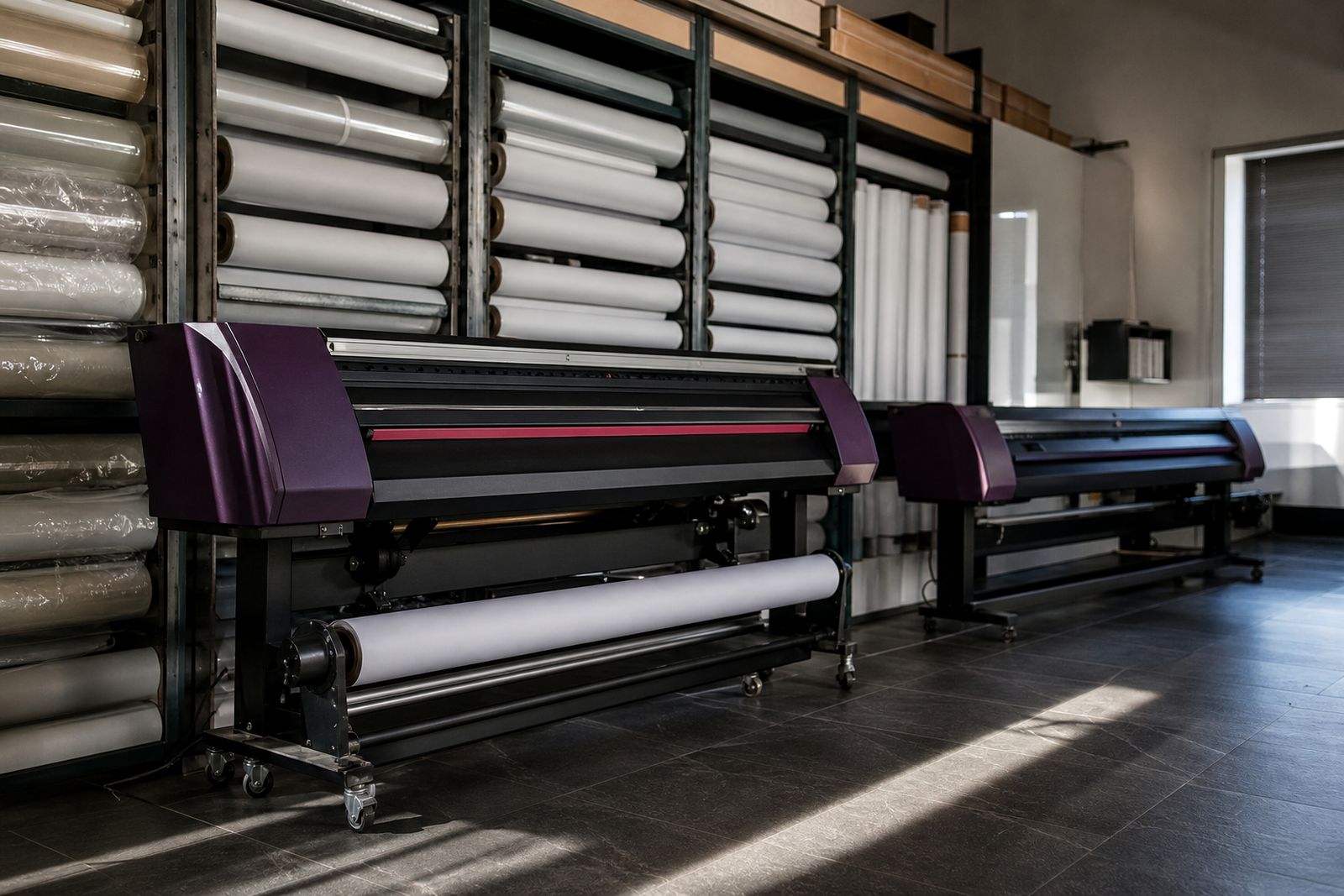
- The media you use most often, preferably full width and offcuts
- Ink loaded and enough cleaning materials on hand
- Access to the RIP workstation and print queues
- A list of current problems such as colour drift, banding or head strikes
If the room has heavy dust build-up, unstable temperature or poor media storage, we will point that out during training because it affects output more than many shops expect. Gauteng dust can undo careful printhead maintenance very quickly, and this catches teams out.
How pricing is worked out
Training is priced by the scope of the visit rather than by a flat guess. The main factors are the number of printers covered, the ink type, the level of colour work required, the number of operators attending and whether the session is at our Centurion studio or at your premises. Travel and delivery outside Centurion are added where needed.
A short operator refresher for one machine is different from a full handover covering maintenance, RIP setup and colour control across several media types. If profiling forms part of the booking, that is costed according to the number of media presets and test output needed. Where a machine first needs attention from our support team, that service may be quoted separately so training time is not spent fixing old faults.
Most bookings fall into half-day or full-day blocks, with larger groups or mixed equipment planned over more than one session. If you need a practical outline for planning purposes, send the machine details and training goal through our contact form.
Aftercare and useful follow-up
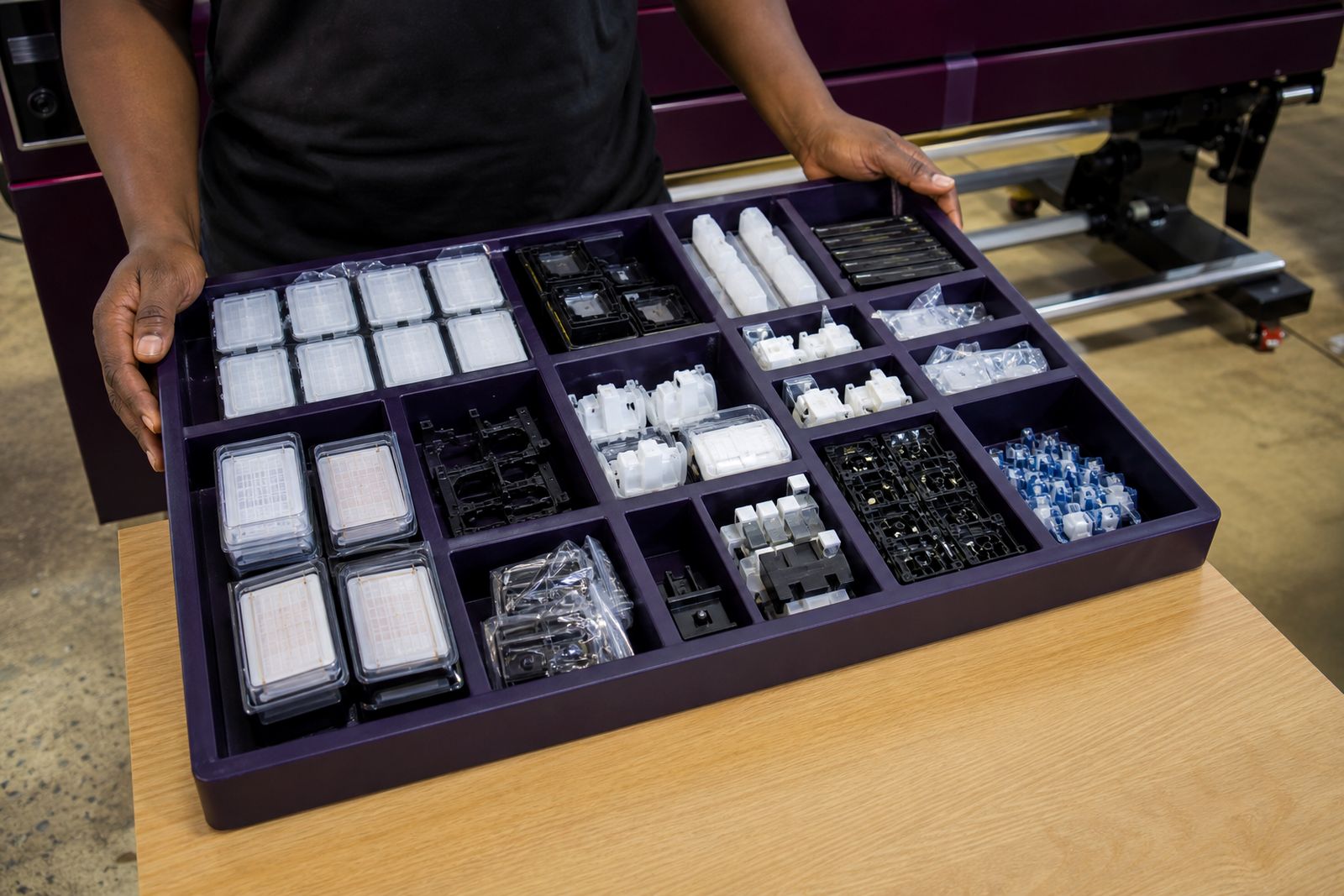
The aim is to leave your team with repeatable habits, not a once-off demonstration. After the session, operators should have a clear routine for checks, cleaning points, test prints and media handling. We can also note where a shop would benefit from a separate profiling visit, replacement printheads, fresh maintenance parts or different media for the finish being sold.
Training often leads to tighter internal standards: one nozzle check method, one naming rule in the RIP, one cleaning schedule and one way of storing open rolls. Those small controls make a large difference over a month of production. When needed, we can pair training with printer set-up, colour profiling, inks, spares and media supply so the whole print line works off the same method.
For teams taking over a machine from another operator, this is usually the point where waste drops and fewer jobs need reprints, though it depends on the machine condition and how consistently the routine is kept.
What our Wide-format Printing customers say
Verified Google reviews
Questions we get asked
Can training be done on a machine we already own?
Training can be done on a machine you already own. On site sessions are built around the printer, RIP software and media already in your shop, so the training matches daily production.
Is this only for new printer installations?
It also suits established print rooms that need refresher training, staff handover, better colour control or cleaner maintenance habits.
Do we need to provide media and files?
Please provide your normal production files and the stock you print most often, so settings and handling can be taught on real work.
Also worth a look
Tell us about the job
Send sizes, materials and where you are through our contact form, and we will come back with the practical options.
Open the contact form