

Studio journal
Practical notes from day to day wide-format work in Centurion, with a focus on printheads, inks, media, colour and upkeep that matter in real sign shops, photo labs and print studios.
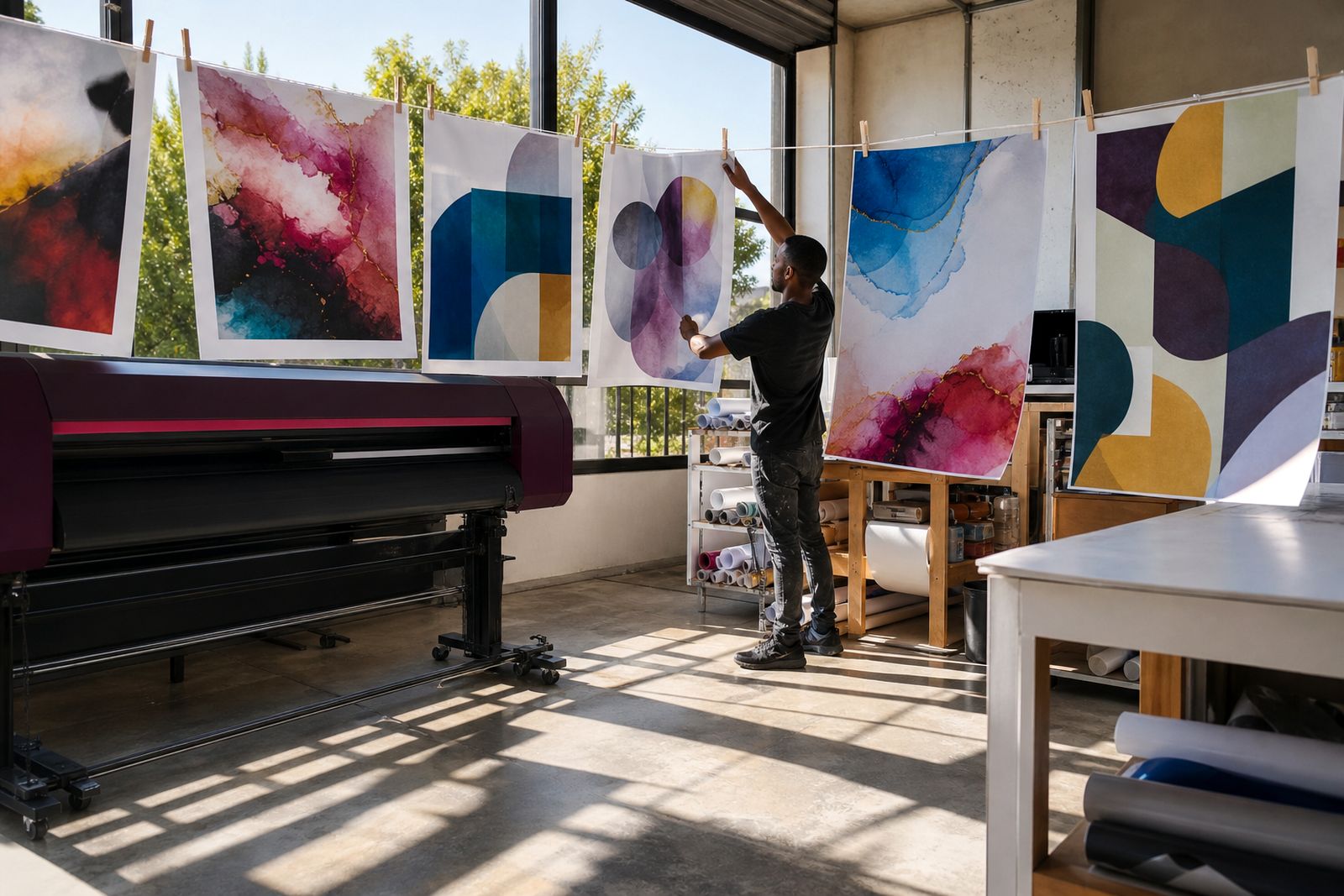
Wide-format choices and workshop priorities
Wide-format printing choices and workshop habits usually turn on the parts of the job that affect output first: head condition, ink type, media behaviour, RIP settings and colour profiling.
Teams in Gauteng often deal with dry air, dust and frequent media changes across short runs. Coastal shops can face a different set of problems with humidity, slower drying and curl on some stocks. Clear priorities on printer type, head replacement and media selection help prevent wasted spend.
The range of topics follows the equipment and consumables used every week, including eco-solvent, aqueous and UV printers, bulk inks, spares, media and RIP software. They also support planning before set-up, profiling or print-shop training.
Start with the print you need to make
Begin with the finished job. Indoor photo output, short term vinyl graphics, rigid panel work and labels all place different demands on ink laydown, curing or drying, and media surface.
- Photo labs usually need smooth tonal transitions, stable skin tones and close repeat colour across paper types.
- Sign shops often need outdoor durability, solid fills, strong adhesion and practical running costs over longer metres.
- Studios doing mixed work need flexibility across vinyl, film, banner, paper and occasional board output.
- Shops with very fine text or line detail should watch head condition and pass settings more closely than raw speed claims.
Once the end use is clear, the subject becomes easier to judge. Dust contamination affects a poster printer differently from a busy vinyl line running daily production.
Compare ink families
One of the most common decisions is whether a shop should lean toward eco-solvent, aqueous or UV output. Each route has strengths, and the wrong match usually shows up in adhesion, drying, media choice or finishing rather than in the first test print.
- Eco-solvent suits many sign applications on self-adhesive vinyl, banner and film, with good outdoor use and familiar finishing for graphics teams.
- Aqueous is often chosen where photographic quality, fine gradients and coated paper or film matter more than exterior exposure.
- UV opens rigid and flexible media options, with direct printing onto selected boards and specialty surfaces where the workflow allows for it.
- Bulk ink systems can lower running costs, but only if the printer is kept clean and the ink path is maintained properly.
Media range, finishing, colour expectations and maintenance load all need proper consideration before moving ahead, and that saves a lot of frustration later.
Printheads do not fail in the same way
Head problems are often spoken about as if they are all the same. Some issues start with dust settling around the carriage path, some with dried ink at the nozzle plate, and some with interrupted ink flow after a consumable change. A missing nozzle on Monday can still recover with the right checks and maintenance.
In Highveld conditions, dry air and fine dust can turn a small cleaning lapse into visible banding surprisingly fast. Shops that swap media constantly also tend to open covers more often, which gives airborne dirt more chances to move into the print area. One article looks closely at that pattern because it is common here, and expensive when ignored.
You will also find guidance on when to inspect capping parts, dampers, wipers and ink lines before blaming the head itself. That order matters a lot in real production rooms, and it is where many unnecessary replacements start.
Media, profiles and the colour gap between screens and print
Colour complaints often begin as a media issue rather than a printer fault. A profile built for one vinyl or paper can shift badly when moved to another surface with a different white point, coating or absorbency. The print may still look bright at first glance, but skin tones, greys and shadow detail tell the real story.
That is why colour profiling needs proper attention. RIP settings, ink limits, linearisation and profile choice all affect whether a file prints cleanly or becomes muddy, over-saturated or flat. In mixed studios this gets overlooked because the same artwork can move from poster paper to vinyl to backlit film in one week.
- Coated papers usually need a different profile approach from uncoated stocks.
- Backlit media can need stronger density control to avoid patchy areas once illuminated.
- Vinyl choice affects colour, laminate behaviour and edge finish.
- Rigid media for UV work can show surface differences that alter perceived colour from sheet to sheet.
When a shop changes media to save a few Rand per metre, profiling usually needs a second look. If that step is skipped the saving can disappear in waste quite quickly.
Product categories and working context
Product selection works best with both technical context and clear category information. The product range covers printers, inks, printheads, spares, media, RIP software, set-up and training, with working context around those choices.
For studios weighing eco-solvent against UV, the priority is matching the printer category to the work, media and finishing requirements. Recurring nozzle loss calls for attention to head care, printheads and spares. Where colour is the real sticking point, set-up and profiling provide the practical next step.
For specific equipment, consumables or workshop support, send the details through our contact form. Include the printer type, the media in use, and the fault or output target if you can. It helps keep the discussion practical from the start.
Questions we get asked
Is the studio journal only for customers who already own a printer?
It is useful for shops comparing print methods as well as teams already running equipment. Buying decisions, maintenance habits and colour planning all benefit from that kind of working information.
Will the journal cover plasma, routers or lasers?
The focus stays on wide-format printers, inks, printheads, media, RIP software, spares, set-up, profiling and print-shop training.
Can we ask about a fault shown in one of the journal articles?
Send the printer type, ink family, media and the symptoms through our contact form so the issue can be looked at in the right context.
Tell us about the job
Send sizes, materials and where you are through our contact form, and we will come back with the practical options.
Open the contact form