

Highveld dust and printheads
Highveld winter air is hard on wide-format printheads. When the room is dry and media dust starts lifting off rolls, small nozzle issues can turn into wasted vinyl, banding and a cleaning bill.
What the Highveld does to a print room
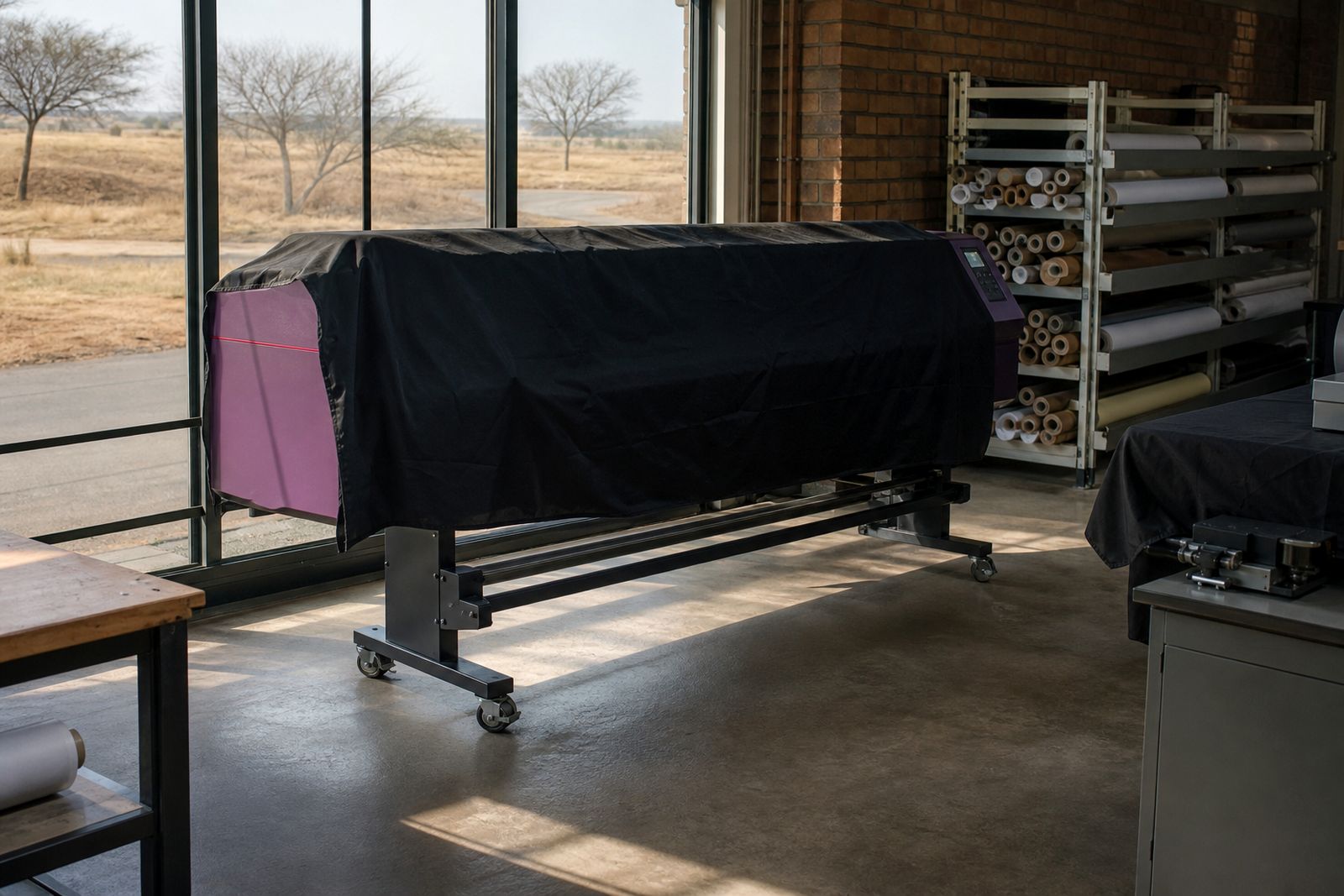
Studios around Centurion and the wider Gauteng area know the pattern well. Mornings start cold and very dry, the doors open, traffic dust comes in from the yard, and static starts building on film, paper and vinyl before lunch. A printhead that ran cleanly in summer can begin dropping nozzles after a few days of this.
Dry air lets fine particles stay loose on media surfaces, around platen areas and near capping stations. Static then helps those particles jump where they should not be. Once dust and dried ink meet around the face of the head, you are no longer dealing with a neat maintenance cycle. You are dealing with a contamination problem.
- Low humidity lets ink dry faster at the nozzle plate.
- Static attracts lint and paper dust toward the print zone.
- Cold mornings followed by warmer afternoons shift how media feeds.
- Open roller doors and workshop traffic bring in very fine grit.
Why nozzles clog faster in winter
Printheads work with tiny channels and a very controlled ink meniscus at each nozzle. In a dry room, solvent, water content or other carriers at the nozzle edge evaporate more readily. That leaves residue sooner, especially if the machine stands idle for long stretches between jobs. Add a dusty media roll and the head face can pick up contamination on the next pass.
A lot of studios assume a clog starts inside the ink system. Sometimes it does, but winter faults often begin at the head surface, the cap top, or the wiper. If those parts carry dried ink and airborne dust, routine cleaning can smear contamination rather than remove it. You may get a better nozzle test after one clean, then lose the same channels by the next panel. That stop-start pattern is common on the Highveld.
Different inks show the problem in different ways. Aqueous machines can suffer from paper lint and quick drying at the nozzle face, while eco-solvent units often show the combined effect of dust, static and unattended capping parts. UV systems are not immune either, because debris around the carriage area still interferes with clean jetting.
The room matters as much as the machine
One Gauteng print studio we support had repeated missing nozzles every Tuesday and Wednesday in winter. The nozzle loss came from a roller door left open through the morning, unpacked media stored near a cutting bench, and a portable fan heater blowing across the carriage path. Once the room setup changed the nozzle loss dropped sharply, and the operator stopped over-cleaning the machine.
You do not need to turn a studio into a laboratory, but some room habits make a clear difference.
- Keep print media wrapped until it is needed.
- Avoid direct airflow from heaters or air conditioners onto the printer.
- Store paper and film off the floor, away from traffic routes.
- Sweep less during production hours and vacuum fine dust instead.
- Reduce open-door time on windy days, even for short loading stops.
- Watch static on take-up units and output baskets.
If the room feels harsh on your hands and lips by midmorning, the printheads are feeling it too. That sounds obvious, but many teams chase ink settings before looking at the air in the room.
Daily habits that prevent expensive head cleans
Winter maintenance should be lighter and more regular, not more aggressive. Operators sometimes try to rescue output with repeated strong cleans, but that can waste ink and hide the source of the clog for only a few hours. Better results usually come from consistent checks at the start and end of the shift.
- Run a nozzle check before the first production job, not halfway through a client run.
- Inspect the wiper and capping area for sludge, lint or curled residue.
- Clean around the head carriage with approved swabs and fluid where required.
- Leave idle machines parked correctly so the head seals well on the cap.
- Remove scraps of media and release liner from the print zone before shutdown.
- Handle coated papers with clean hands to avoid adding fibres and oils.
Media loading also matters. If a dusty roll is mounted straight from storage, wipe the leading edge and check the first few metres before committing a long print run. With photo papers and posters this small step can save a lot of reprints. On vinyl and film jobs it reduces the chance of debris travelling under the head on the early passes.
When a clog is not really a clog
Some symptoms that look like blocked nozzles are actually airflow, static or feed issues. Fine misting around the head, random deflection on only one side of the print, and faults that appear on one media type only can point to the environment rather than a damaged head. If the nozzle test changes after you simply leave the room closed for an hour, that tells you something useful.
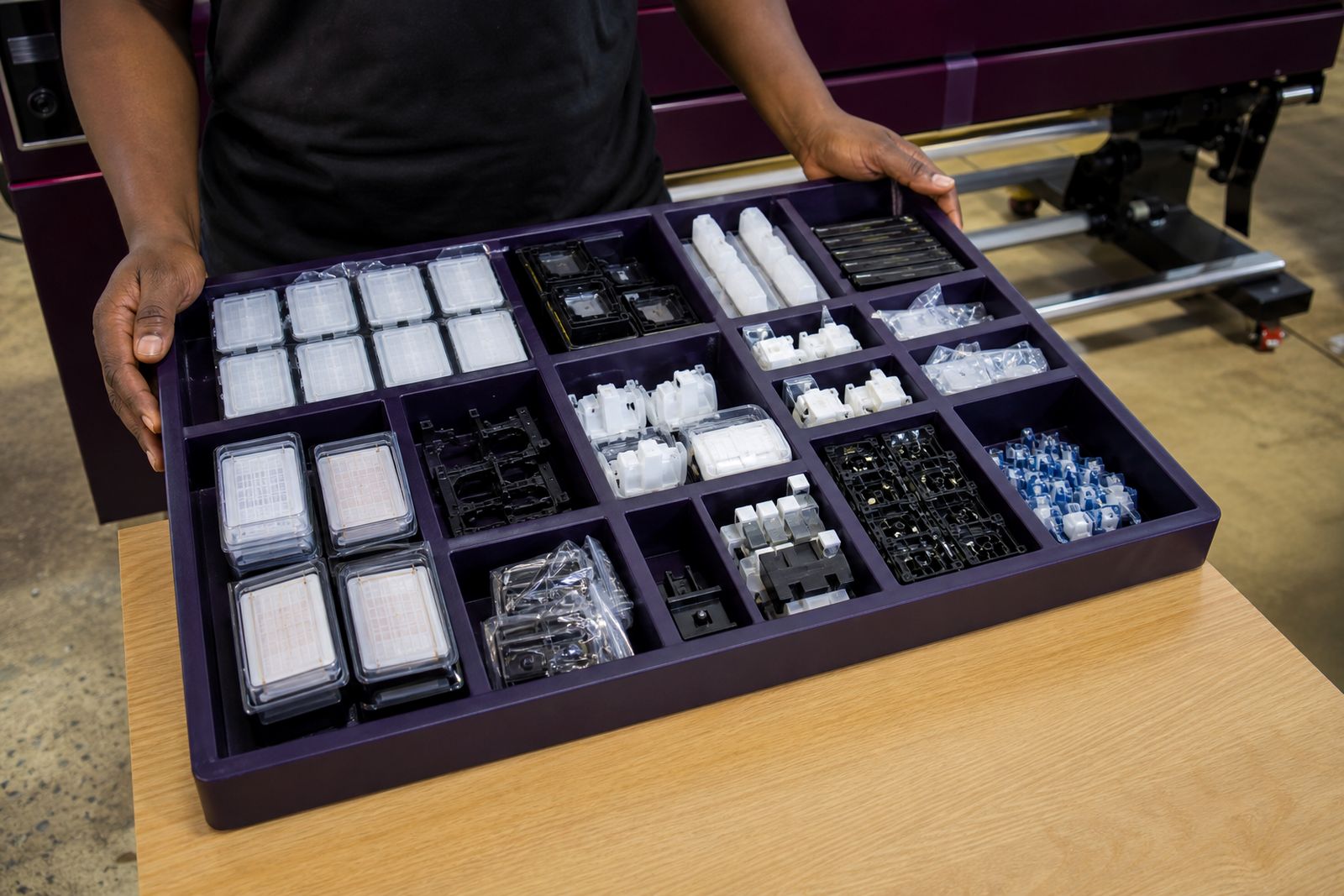
It is also worth checking the support parts around the head. A worn wiper, contaminated cap top or weak seal can let the head dry out overnight. Then the first clean of the morning has to fight residue that should never have formed. Teams often focus on the head because it is the expensive component, but the lower-cost service parts control a lot of the day-to-day stability.
Another trap is overhandling printheads during cleaning. Heavy pressure on the nozzle face or the wrong linty cloth can create more trouble than the original blockage. A careful routine beats a forceful one every time, even if the fault feels urgent.
A sensible winter plan for Gauteng studios
If your shop sees more nozzle drop in June, July and August, treat it as a seasonal operating condition and plan for it. Build a short winter checklist, keep cleaning materials ready at the machine, and assign one operator per shift to inspect the print zone properly. That avoids the common problem where everyone assumes someone else already cleaned the cap station.
For studios running mixed work such as decals, posters, canvas and backlit film, it also helps to separate dusty finishing tasks from active printing where space allows. Lamination trim, board handling and carton opening all release particles. If those jobs happen right next to the carriage rail, the printheads will pay for it.
Where a machine keeps losing the same channels, do not guess for weeks. A proper check of head condition, capping performance, ink delivery and room conditions usually shows where the trouble sits. Set-up, colour profiling and operator training help only when the machine is physically clean and stable, so winter housekeeping is not a side issue. It is part of print quality.
Questions we get asked
How dry does a room need to be before printheads start showing problems?
There is no single number that fits every printer and ink set, but when staff can feel static on media and the room air feels noticeably harsh, nozzle stability usually starts getting worse.
Can repeated automatic cleans solve winter nozzle drop?
Automatic cleans may recover output for a short period, but if dust, static, a dirty wiper or a poor cap seal are involved, the fault usually returns during the next run.
Which media tends to make winter dust problems worse?
Paper products, canvas, low-tack liners and older partly used rolls often shed more loose material. The risk rises when media is stored unwrapped or handled near trimming and packing areas.
Also worth a look
Tell us about the job
Send sizes, materials and where you are through our contact form, and we will come back with the practical options.
Open the contact form