Printer accessories
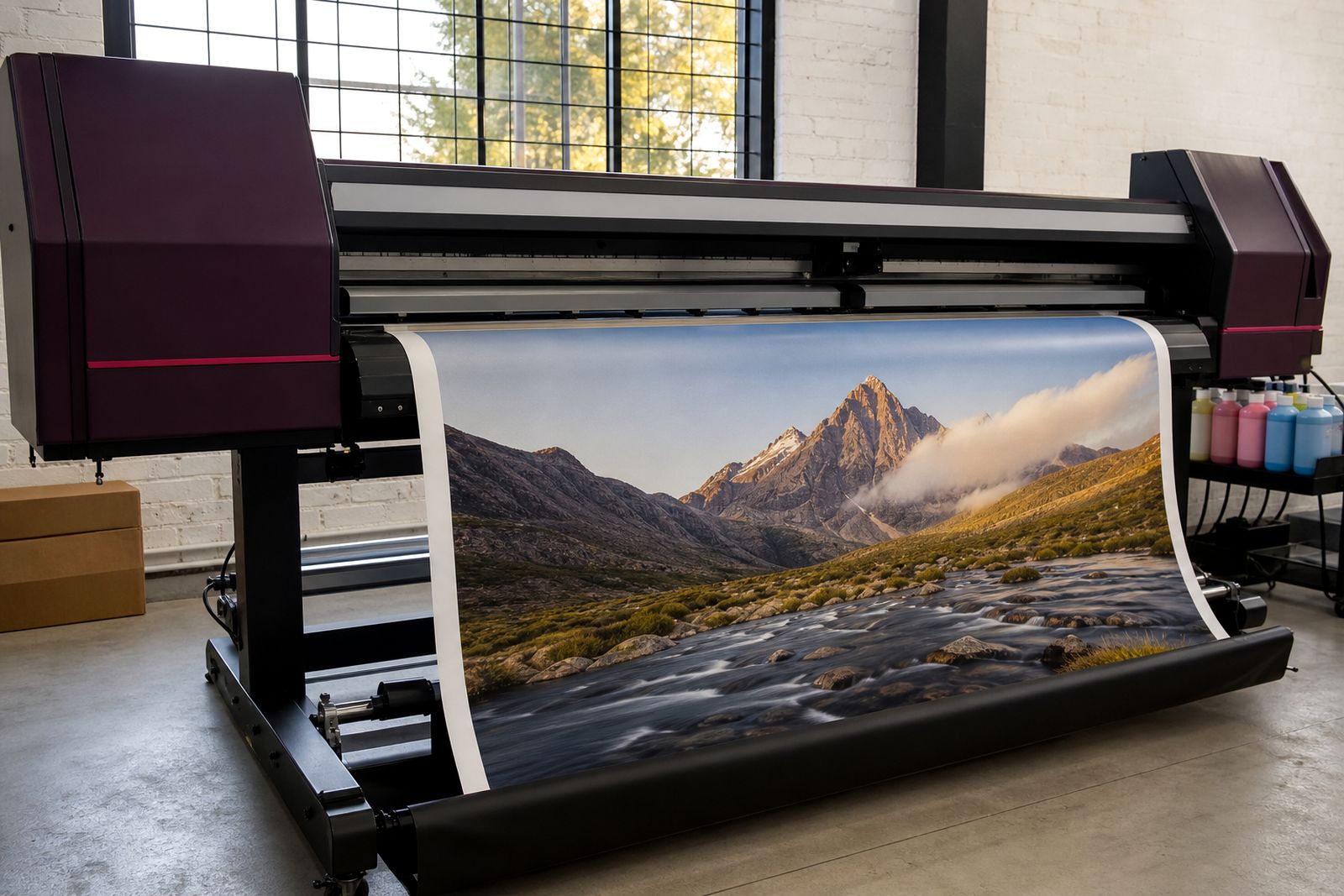
Printer accessories turn a wide-format unit into a steadier production machine. We match take-up reels, heaters, stands and dryers to the printer width, media type and print pace in your shop.
Add-ons that change the working day
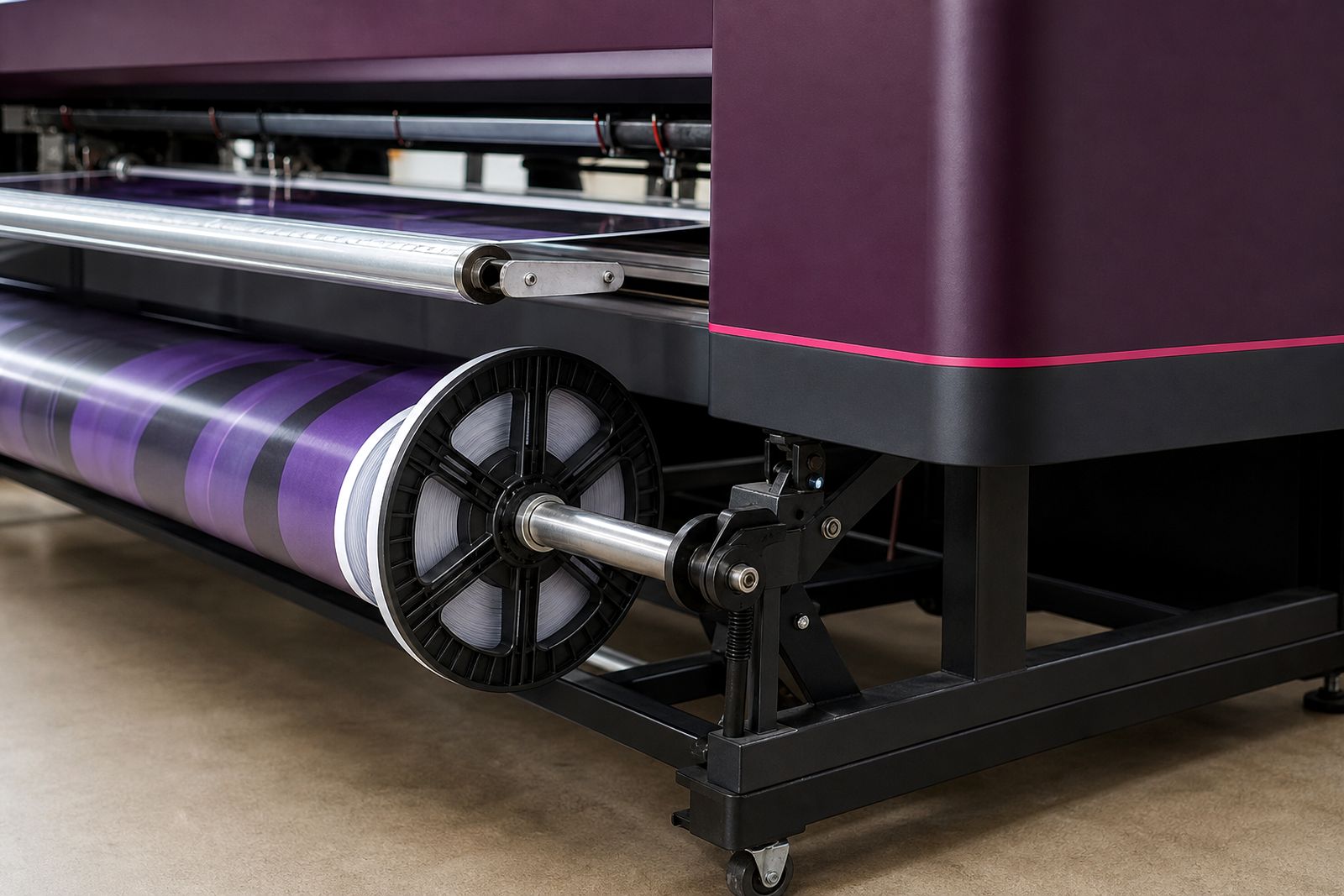
A printer may have the print engine you need but still feel unfinished on the floor. Accessories handle the parts of production that slow operators down, namely media support, drying, take-up tension and the physical stability of the machine. In a sign shop running banners and vinyl, a take-up reel and heater can remove a lot of stop-start handling. In a photo lab, a proper stand and controlled drying path matter more than speed alone.
We supply printer accessories for eco-solvent, aqueous and UV equipment, sized to suit common working widths from compact studio machines up to full production units. Not every printer accepts every add-on, so we check frame design, feed path, media weight and the way the printer cures or dries before we recommend anything. We do not sell plasma units, routers or lasers.
- Take-up reels for unattended roll collection
- Pre-heaters and post-heaters for solvent and coated media work
- Stands with castors, levelling feet and media support bars
- Dryers and assisted air units for heavier ink loads
- Media shafts, roll holders and edge guides where the printer platform allows it
Widths, loads and the limits that matter
Accessory sizing starts with the true media set-up as well as the advertised print width. A 1.6 metre printer can carry a wider roll flange than the printable area, and heavy banner stock places very different strain on a take-up motor than light photo paper. We work from the actual media width, outside roll diameter, core size, estimated roll mass and the material stiffness. That prevents a reel from telescoping the roll or slipping once the printed section gains weight.
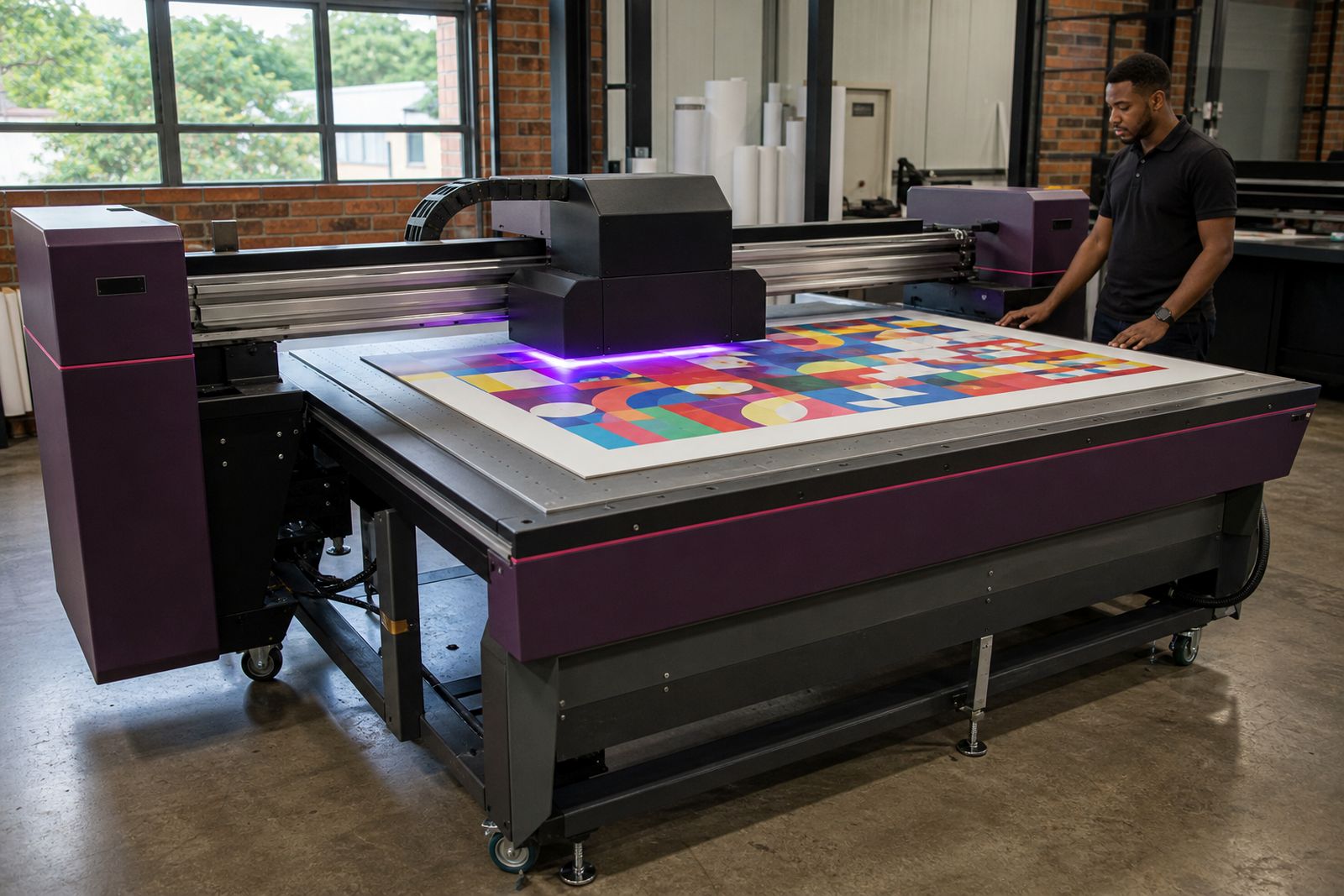
Heaters and dryers also need to be matched carefully. Too little heat leaves eco-solvent work tacky on dense coverage. Too much heat can soften adhesive vinyl, curl film media or shift colour on coated stocks. UV printers normally need less external drying help, but output handling can still benefit from stands, extension tables and collection support when boards or roll media move off the machine.
- Common supported widths: 610 mm, 1 300 mm, 1 600 mm, 1 800 mm and 3 200 mm
- Typical take-up reel roll load: light paper grades to heavy banner rolls, subject to shaft and motor rating
- Core sizes usually supported: 2 inch and 3 inch
- Heater temperature range depends on the unit and media, commonly ambient to around 60°C
- Drying support suits slower cure combinations, high ink laydown and laminated workflow staging
Where each accessory earns its floor space
Take-up reels suit long print runs, repeat wallpaper lengths, banner work, poster runs and any job where loose printed media would otherwise drop to the floor. They are less useful on very short one-off jobs where the operator is trimming constantly. A stand earns its place where the printer frame needs better support, safer movement for cleaning, or proper roll loading height. On uneven floors in older Gauteng industrial units, levelling feet make a bigger difference than many buyers expect.
Heaters are most useful on eco-solvent output and some aqueous workflows using coated media where extra evaporation control helps. Dryers suit shops printing dense blocks of colour, double-strike modes or slower-pass jobs that leave the surface vulnerable to scuffing. In smaller studios the added footprint matters, so we check aisle width and loading space before specifying anything. Some accessories simply do not suit cramped rooms, especially where the roll path would end near a wall or walkway.
Power, placement and fitting on site
Most accessories need a sensible layout around the printer rather than a complicated installation. The key points are power availability for heaters or dryers, clear roll loading space at the front and rear, and enough room for operators to square media properly. A take-up reel that is mounted even slightly out of line can track poorly on long runs. Where mains power is involved, dedicated plugs and stable supply help keep heater output consistent during the working day.
Centurion and the wider Highveld bring another factor, dust. Open media edges and static can attract fine dust in dry months, particularly around paper and film handling areas. We advise on placement away from grinding, routing or heavy workshop traffic if the print room shares a unit with fabrication.
- Allow operating clearance in front of and behind the printer
- Confirm plug type and available mains capacity for heated accessories
- Check floor level before fitting stands and take-up systems
- Keep dryers and heaters clear of packed boxes, offcuts and laminate storage
- Leave access for daily cleaning, capping and media changeover
Care that prevents drift, curl and wasted media
Accessories are straightforward to maintain, but they do need regular attention. Reel shafts should be kept clean so media cores seat correctly and turn true. Tension belts, clutches and drive rollers need inspection before they become the reason a full roll starts wandering. On heaters and dryers, dust build-up around vents reduces efficiency and can create local hot spots. A little routine cleaning saves a lot of spoiled output.
Operators should also watch for the practical signs that an accessory is not set correctly. These include edge curl after the heater zone, soft adhesive on vinyl, skew developing halfway through a roll, or a take-up roll building into a cone shape. None of those faults are mysterious, but they do need the right mechanical correction rather than more heat or more tension. We can supply the accessory and set it up to suit the way your shop actually prints.
What to send with your enquiry
To match an accessory properly we need the printer model, ink type, printable width and the media you run most often. It also helps to know whether you print long unattended lengths, short mixed jobs, or heavy full-colour coverage where drying is the bottleneck. If the printer is already in place, include a few photos of the front, rear and floor area around it. That shows us whether a stand, heater or reel can be fitted cleanly.
Please include the following through our contact form so we can point you to the right options first time.
- Printer model and maximum media width
- Eco-solvent, aqueous or UV ink set
- Typical media, such as self-adhesive vinyl, banner, poster paper, canvas or film
- Core size and usual roll weight if known
- Whether you need take-up, added drying, a stand, or a full accessory set
- Your town and whether the unit is on the ground floor or upstairs
What our Wide-format Printing customers say
Verified Google reviews
Questions we get asked
Can a take-up reel be added to an older printer?
Often yes, provided the frame, output height and media path allow proper alignment. We check mounting points, width, roll weight and whether the printer can feed consistently over long lengths.
Do heaters suit every media type?
Some coated papers, films and adhesive products can curl or soften if heat is set too high. Heater choice and temperature need to match the ink set, print mode and substrate.
Is a stand only for moving the printer around?
A good stand sets the printer at the right working height, helps keep the frame level and supports safer media loading. Castors are useful, but stability matters more than movement.
Also worth a look
Tell us about the job
Send sizes, materials and where you are through our contact form, and we will come back with the practical options.
Open the contact form